Zunoform
01 / 04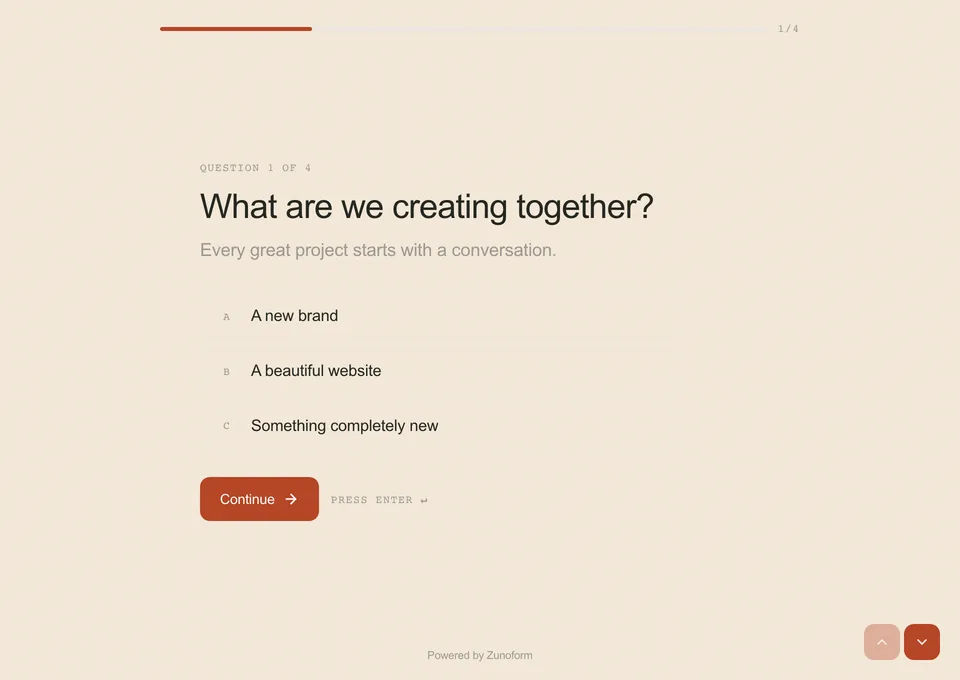
Conversational
One question at a time for guided surveys, quizzes and branching enquiries.
Explore conversational formsFrom the first question to the connected spreadsheet — the whole journey of an answer, handled.
Three layouts · Available on Free
A quick signup and a thoughtful brief need different experiences.
Start with the layout that fits your audience and task.
One question at a time for guided surveys, quizzes and branching enquiries.
Explore conversational forms
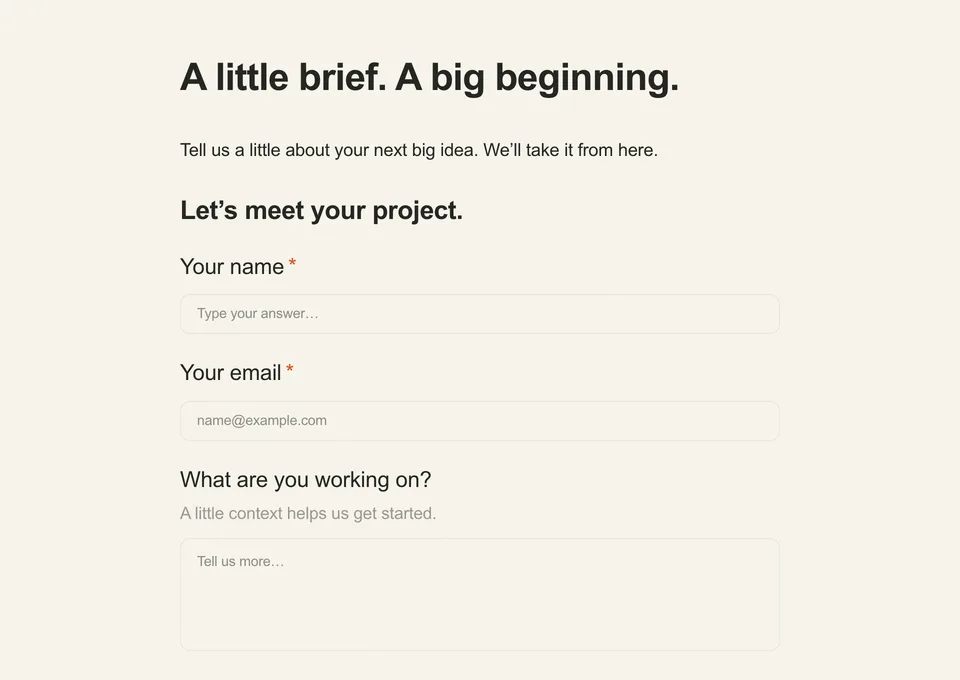
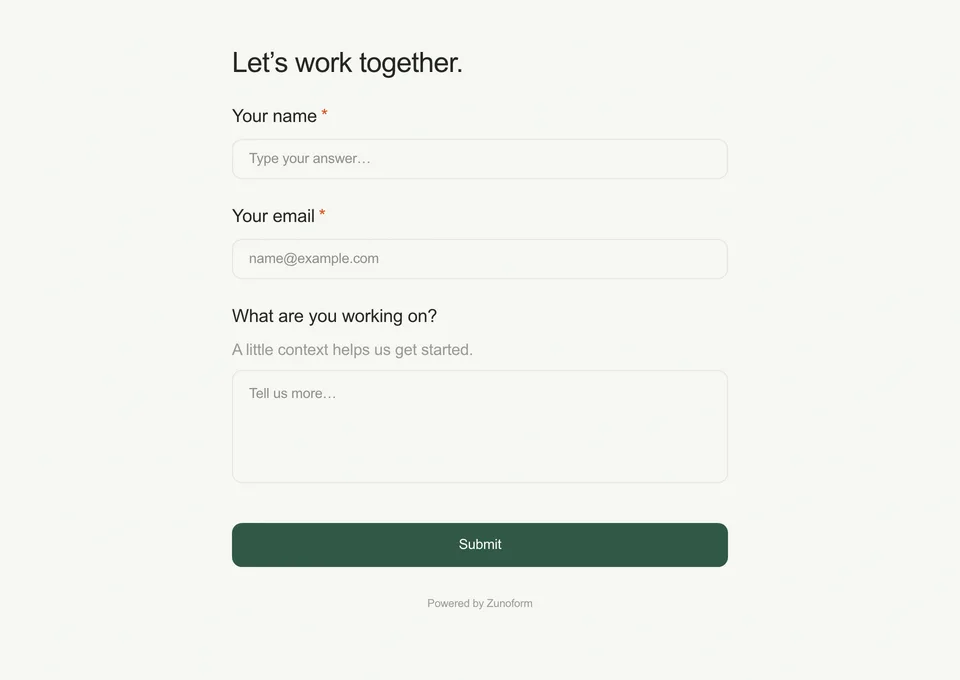
The whole request in view for short signups and familiar everyday tasks.
Explore single-page formsWhat makes it different
From your first question to the next step after submission:
build, collect and connect in one place.
Explore one feature at a time
Choose a conversation, a document with context, or a familiar single-page form. All three layouts are available on Free.
Conversational · Document · Single-pageShow relevant follow-ups, skip questions and calculate values with a visual logic editor. Preview each path before you publish.
Visual logic editorConnect Google Sheets or Zoho CRM on Free. Pro adds Slack, Notion, HubSpot and more; webhooks and Zapier support other workflows.
Native integrations + webhooksReview responses, completion and question-level drop-off. Use the results to find a question worth improving.
Drop-off analyticsDescribe the audience, questions and tone. AI drafts an editable form with fields, a theme and optional logic or quiz scoring. You review and publish.
AI generation on BusinessCollect payments through your own Stripe or PayPal account. Zunoform adds no transaction fee; payment processor fees still apply.
Payment collection on Pro & BusinessInside the builder
A builder so intuitive your whole team can ship forms — not just the design lead. Edit on the left, preview on the right, publish in a single click.
Edit. Preview. Publish.
All in one place.
Add questions, choose a layout and set your style.
Preview the experience as you build.
Publish your form and send its link.
Build forms that feel like you.
Get started freeHow it works
Three steps. No installs, no migrations, no consulting hours. Just open a tab and start building —
the way it always should have worked.
Choose one of three layouts. Start with fields or a template, or use AI generation on Business to create a draft.
Choose a layout or start from a template.
Send a link, embed inline, pop up at the right moment, or distribute via QR — all in one click.
One link. So many possibilities.
 Scan to openTry the demo.
Watch responses arrive in real time. Pipe them straight into Slack, Notion, your CRM, your stack.
| Name | Submitted | |
|---|---|---|
| PPriya Sharma | [email protected] | 2 min ago |
| LLiam Chen | [email protected] | 8 min ago |
| AAva Martinez | [email protected] | 12 min ago |
| NNoah Kim | [email protected] | 18 min ago |
| EEmma Wilson | [email protected] | 24 min ago |
FAQ
Yes. Free includes unlimited forms, all three layouts, core field types, templates, logic, quiz scoring, scheduling, analytics and 500 responses per month. No card is required. Payment, signature and NPS fields require Pro or Business to publish.
Use Conversational for a guided question-by-question flow, Single-page for a short or familiar request, and Document when explanations belong between questions. The best fit depends on the task; no layout guarantees a higher completion rate.
On Business, describe the form you need and get an editable draft with questions, options, a theme and possible logic or quiz settings. Review it before publishing. AI does not connect integrations or create payment and scheduler fields.
With monthly billing, Pro is $14.99/month and includes payment collection, branding removal and paid native integrations. Business is $24.99/month and adds AI generation, custom domains and API access. Annual billing is also available. Stripe or PayPal processing fees still apply.
Google Sheets, Zoho CRM, Zapier catch hooks and webhooks are available on Free. Pro and Business add Slack, Notion, HubSpot, Mailchimp, Airtable and Excel. Configure the destination and test a response before relying on a workflow.
Yes. Scheduling connects to your Google or Outlook calendar and is available on Free. Payment collection uses your own Stripe or PayPal account on Pro or Business. Configure and test those accounts separately from the form design.
Share a published form by link, inline embed, popup or QR code. On the ending page, choose a closing message, a custom button and link, sharing options or a configured redirect. Quiz score and answer-reveal options apply when quiz scoring is enabled.
Business supports a custom domain with SSL. Pro and Business can remove Zunoform branding. The three form layouts themselves are available on every plan.

Ready when you are
Start with a conversation, a document or a single page.
Unlimited forms and 500 responses per month on Free.
No card required.